
Learn About the Software as a Service (SaaS) Model | Modern Software Delivery
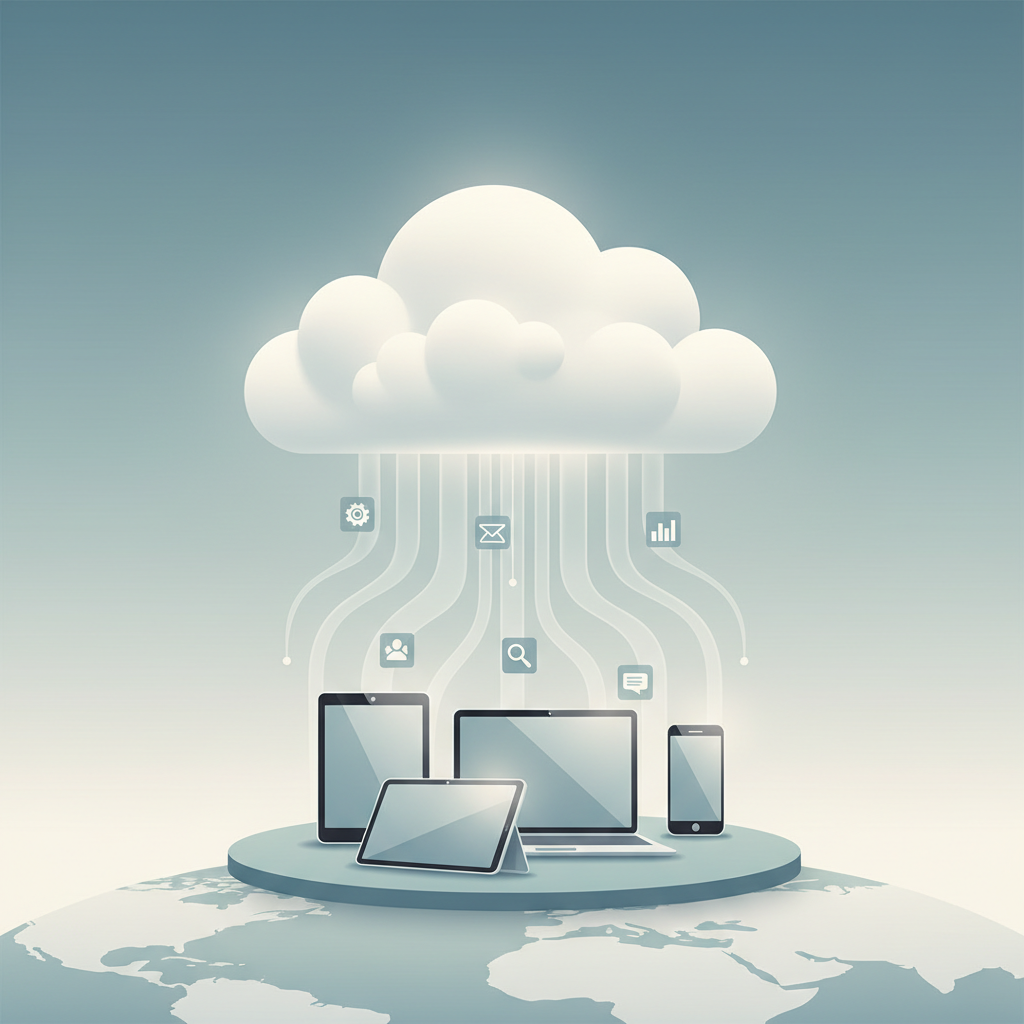
The Software as a Service (SaaS) model has fundamentally reshaped how businesses and individuals access and utilize software. Moving away from traditional software purchases involving physical media or perpetual licenses, SaaS delivers applications over the internet as a service. This paradigm shift, rooted in advancements in internet infrastructure and cloud computing, has become the dominant software delivery model across industries, from foundational business applications to specialized AI tools and productivity suites.
Core Concepts, Definitions, and Historical Context of SaaS
At its heart, SaaS is a software distribution model where a third-party provider hosts applications and makes them available to customers over the internet. Instead of purchasing software and installing it on local servers or individual computers, users subscribe to a service, typically on a monthly or annual basis, and access the software via a web browser or a dedicated client application. The “as a Service” aspect emphasizes that the software is managed, maintained, and updated by the provider, relieving the user of these operational burdens.
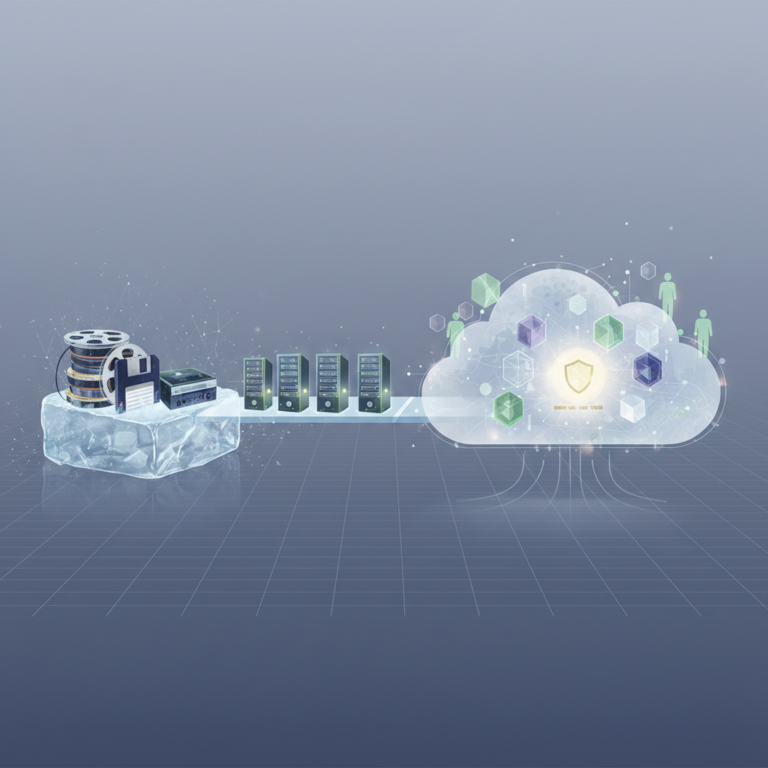
The concept of delivering computing services remotely isn’t new. Timesharing systems in the 1960s and Application Service Providers (ASPs) in the late 1990s offered similar centralized computing models. However, the widespread adoption of broadband internet and the maturity of cloud computing infrastructure in the early 2000s truly enabled the modern SaaS model. Companies like Salesforce.com pioneered the commercial viability of SaaS, demonstrating that complex enterprise applications could be delivered effectively over the web. By 2026, SaaS has become the default for many new software deployments, with projections indicating continued robust growth as businesses increasingly prioritize agility, scalability, and cost-efficiency.
Key Characteristics of SaaS
- Subscription-based Pricing: Users pay a recurring fee (monthly, annually) to access the software.
- Centralized Hosting: The software and its data are hosted on the provider’s servers, not on the user’s local infrastructure.
- Web-based Access: Users access the software through a web browser or a lightweight client, making it accessible from anywhere with an internet connection.
- Multi-tenancy: A single instance of the software application serves multiple customers (tenants). Each tenant’s data is isolated and secure, but they share the underlying infrastructure and code. This efficiency allows providers to offer lower costs and easier maintenance.
- Automatic Updates and Maintenance: The provider handles all software updates, patches, and maintenance, ensuring users always have access to the latest version without manual intervention.
- Scalability: SaaS solutions are designed to scale easily, allowing users to adjust their service levels (e.g., number of users, storage, features) as their needs evolve without significant infrastructure changes.
Practical Methodologies and Frameworks for Adopting SaaS
Adopting SaaS requires a strategic approach to ensure seamless integration and maximum benefit. Businesses evaluating SaaS solutions in 2026 often follow structured methodologies to assess, select, and implement these services.
Step-by-Step Guidance for SaaS Adoption
- Needs Assessment: Clearly define the business problem or opportunity the software aims to address. Identify specific functional requirements, integration needs with existing systems, security protocols, and compliance standards. For AI tools, consider data privacy implications and ethical AI use.
- Vendor Selection and Evaluation: Research potential SaaS providers. Beyond core features, evaluate vendor reputation, service level agreements (SLAs), data security practices, customer support quality, and long-term roadmap. Conduct trials or request demos to assess usability and fit.
- Data Migration Strategy: Plan how existing data will be transferred to the new SaaS platform. This involves data cleansing, mapping, and a phased migration approach to minimize disruption. For productivity tools, ensure seamless transfer of documents, contacts, and project data.
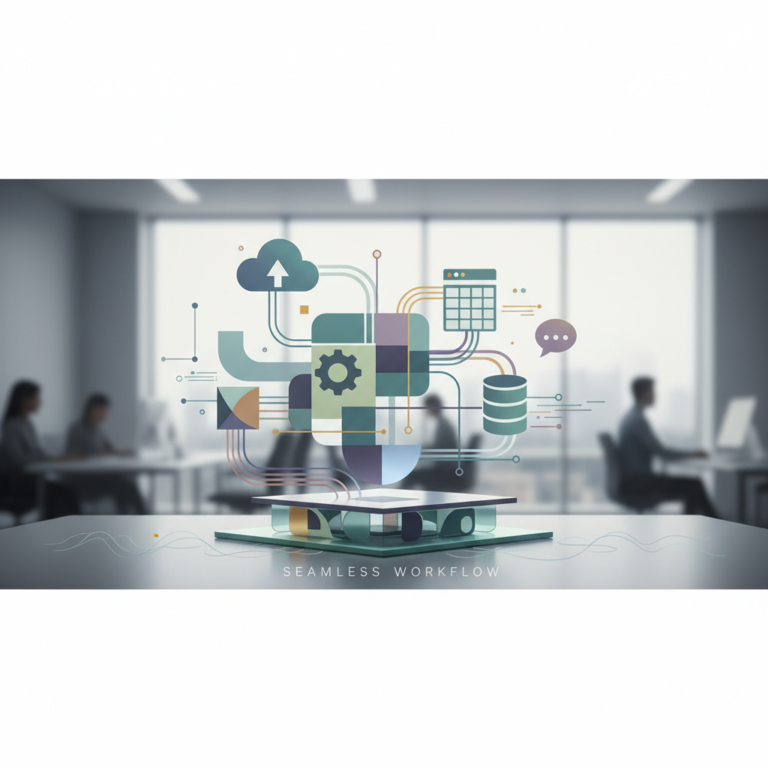
- Integration Planning: Determine how the new SaaS application will integrate with other mission-critical systems (e.g., CRM, ERP, accounting software). Modern SaaS platforms often offer robust APIs for seamless data exchange.
- User Training and Change Management: Prepare end-users for the new software. Provide comprehensive training materials, conduct workshops, and establish clear communication channels. A strong change management strategy is crucial for user adoption, especially with new AI-powered workflows.
- Deployment and Monitoring: Execute the rollout, starting with pilot groups if possible. Continuously monitor performance, user feedback, and security. Establish key performance indicators (KPIs) to measure the success of the SaaS adoption.
- Ongoing Optimization: Regularly review the SaaS solution’s usage and effectiveness. Leverage new features, adjust configurations, and provide ongoing user support to maximize value.
Common Questions and Edge Cases in SaaS
Internet Dependency
SaaS relies heavily on a stable internet connection. Outages or slow connectivity can disrupt access to the software. While many providers offer offline capabilities for certain functionalities, continuous online access is generally required. Businesses in areas with unreliable internet infrastructure must consider this dependency carefully.
Customization Limitations
Because SaaS applications are typically multi-tenant and designed for broad appeal, they may offer less customization than on-premise software. While many SaaS platforms provide configuration options, integrations via APIs, and marketplace extensions, deep code-level modifications are usually not possible. This can be an edge case for businesses with highly unique or complex workflows that require bespoke software solutions. However, the trend in 2026 is towards more flexible SaaS platforms that offer extensive low-code/no-code customization options and open APIs.
Data Ownership and Security
A frequent concern is who owns the data stored within a SaaS application. Generally, the customer retains ownership of their data, while the SaaS provider is responsible for hosting, securing, and managing the infrastructure. Reputable SaaS providers employ stringent security measures, including encryption, access controls, and regular audits, often exceeding the security capabilities of individual businesses. However, it is crucial to review the provider’s terms of service and data processing agreements (DPAs) to understand their policies on data ownership, privacy, backup, and recovery.
While SaaS offers numerous advantages, users often have questions regarding its implications, particularly concerning data ownership and customization.
Related Concepts: SaaS Benefits, Cloud Subscription, and Pricing
Understanding SaaS is enriched by examining its benefits for users, its relationship with cloud software subscriptions, and its various pricing models.
SaaS Benefits for Users
The widespread adoption of SaaS is driven by tangible benefits for businesses and individual users:
- Reduced Upfront Costs: Eliminates large capital expenditures for software licenses and hardware.
- Predictable Operating Expenses: Subscription model allows for easier budgeting.
- Accessibility and Mobility: Access software from any device, anywhere, with an internet connection.
- Automatic Updates and Maintenance: Users always have the latest features and security patches without manual effort.
- Scalability and Flexibility: Easily scale up or down resources based on changing business needs.
- Faster Deployment: Software is ready to use almost immediately after subscription.
- Enhanced Collaboration: Many SaaS tools are designed for real-time collaboration among teams.
- Focus on Core Business: Businesses can focus on their primary activities rather than managing IT infrastructure.
Cloud Software Subscription and Software Delivery Models
SaaS is intrinsically linked to cloud computing. It is one of the primary “as a Service” models, alongside Infrastructure as a Service (IaaS) and Platform as a Service (PaaS). A cloud software subscription is essentially the financial mechanism by which SaaS is consumed. The term “cloud software” broadly refers to any software delivered over the internet via cloud infrastructure, and SaaS is the most prevalent form of this. Other software delivery models include:
- On-Premise Software: Software installed and run on computers located at the customer’s site.
- Client-Server: A model where client computers request resources from a central server.
- Desktop Applications: Software installed and run locally on an individual user’s computer.
SaaS represents a significant evolution from these traditional models, shifting the responsibility of software management from the user to the provider.
Understanding SaaS Pricing
SaaS pricing models are diverse and designed to cater to various user needs and usage patterns. Common models include:
- Per-User Pricing: A fixed fee per user per month. This is straightforward but can become expensive for large teams.
- Tiered Pricing: Different packages (e.g., Basic, Pro, Enterprise) offer varying features, user limits, or support levels at different price points.
- Usage-Based Pricing (Pay-as-you-go): Charges based on actual consumption, such as data storage, API calls, or processing time. Common in AI tools where processing power is a significant cost factor.
- Feature-Based Pricing: Pricing varies based on the specific features or modules a user requires.
- Freemium: A basic version of the software is offered for free, with advanced features or higher limits available through a paid subscription.
When evaluating SaaS pricing, it’s essential to consider not just the headline cost but also potential hidden fees, scaling costs, and the value derived from the included features and support.
FAQ
Q: Can I integrate my existing on-premise software with SaaS applications?
A: Yes, in many cases. Modern SaaS applications are designed with integration in mind, offering Application Programming Interfaces (APIs) that allow them to communicate and exchange data with other systems, including on-premise software. Integration platforms as a service (iPaaS) and custom development can also bridge the gap between disparate systems, enabling a hybrid IT environment where on-premise and SaaS solutions coexist and interoperate.
Q: How does SaaS impact data privacy and compliance?
A: SaaS providers are legally and contractually obligated to protect customer data. Reputable providers invest heavily in security certifications (e.g., ISO 27001, SOC 2 Type II), compliance with regulations like GDPR and CCPA, and robust data encryption. However, the responsibility is shared; users must also ensure they configure their SaaS applications securely and adhere to best practices for data handling within the service. Always review the provider’s data processing agreements and security policies.
Q: Is all cloud software considered SaaS?
A: While all SaaS is cloud software, not all cloud software is SaaS. Cloud software is a broad term for any software delivered via cloud infrastructure. SaaS specifically refers to a complete application delivered and managed by a third-party provider, accessible on a subscription basis. Other cloud models include IaaS (e.g., virtual machines) and PaaS (e.g., development platforms), where users have more control over the underlying infrastructure or development environment, respectively.